
The ergonomic numbers
| Dimension | Target | Why it matters |
|---|---|---|
| Desk height, fixed | 720 – 750 mm | Below 700 mm the wrists drop; above 760 mm the shoulders rise |
| Desk height, sit-stand | 680 – 1,180 mm range | Standing height is roughly elbow height, which is taller than most frames reach |
| Desk depth | 600 mm single screen, 700 mm dual | A 27-inch monitor needs 600 mm of viewing distance alone |
| Monitor top edge | At or just below eye level | A laptop on a desk puts the screen 200 mm too low; a riser is not optional |
| Clear knee space | 600 mm wide, 580 mm deep, 650 mm high | A drawer pedestal under the desk is the commonest cause of a bad seating position |
| Chair to wall behind | 900 mm | Below this you cannot get out without moving the chair sideways |
| Keyboard tray, if used | Desk height minus 60 – 80 mm | Only worth it if the desk cannot be lowered |
Light, and the two ways it goes wrong
There are exactly two catastrophic lighting positions for a screen, and almost every home study built without a plan uses one of them.
- Window behind the screen. You spend the day looking into a bright rectangle with a dim screen in front of it. Eye strain by lunch. If the desk must face a window, a sheer plus a blackout roller, and reduce the desk lighting to match.
- Window behind you. The screen becomes a mirror and every video call shows a silhouette. Worse than the first because it also affects how you are seen.
- Correct: window to one side, ideally to the left for a right-handed person, with a vertical blind or sheer for the two hours a day the sun is in it.
- Task light on the non-writing side, 300–500 lux on the surface, 4000K, CRI 90 or better.
- A wall wash behind the monitor. Raising the brightness of the wall behind the screen reduces the contrast your eyes work against, and costs one 5W profile light.
- A separate lighting scene for video calls — a soft frontal source at roughly 45 degrees, 3500–4000K, on its own switch. This is the cheapest professionalism you can buy.
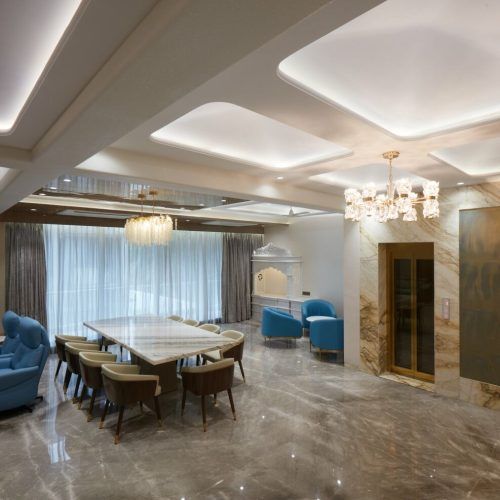
The room that has to survive a four-hour video call
Acoustics, or why you sound like you are in a bathroom
A small room with tiled or stone flooring, painted plaster walls and a glass window has a reverberation time around 0.8–1.1 seconds. A microphone in that room picks up every reflection. Getting below 0.5 seconds needs surprisingly little.
| Intervention | Typical cost | Effect |
|---|---|---|
| A rug covering 60% of the floor | ₹8,000 – 35,000 | The single largest improvement available; removes the hardest reflective surface |
| Full-height lined curtains on the window wall | ₹12,000 – 45,000 | Controls the flutter between the glass and the opposite wall |
| Upholstered or fabric-panelled pinboard behind the desk | ₹9,000 – 28,000 | Absorbs first reflection into the microphone |
| Open bookshelf with uneven contents on one wall | Already in the budget | Diffusion, which is often better than more absorption |
| Acoustic ceiling raft above the desk, 1,200 × 1,200 | ₹14,000 – 32,000 | Kills the ceiling-to-desk reflection; the last 0.1 s |
| Solid-core door with a drop seal | ₹18,000 – 42,000 | Isolation from the rest of the home, which is a different problem from reverberation |
Aim for a reverberation time under 0.5 s. Absorb the floor and one wall first; do not start with foam on the ceiling.
Power, data and the cable problem
- A six-socket bank at desk height, 1,050 mm above floor behind the desk, not at the skirting. Everything you plug in lives on the desk; the power should too.
- Two RJ45 data points even if you use Wi-Fi today. A hardwired point behind the desk future-proofs the room and costs ₹2,500 while the wall is open.
- A cable tray under the desk, 100 mm deep, fixed to the underside. This is the difference between a clean desk and a permanent cable nest, and it costs ₹1,800.
- One grommet, not four. A single 80 mm grommet at the rear, positioned behind the monitor stand.
- UPS position planned. A UPS or inverter point in the joinery, ventilated, not shoved behind the drawers where it overheats.
- Separate circuit. A study on its own MCB means the rest of the house tripping does not take your machine down mid-call.
People spend on the chair and the desk and then take a call in a room with a tiled floor and bare walls. The rug is the upgrade.
Greenbox principal designer
What a study costs
| Scope | 70 – 120 sq ft room | Included |
|---|---|---|
| Study corner in an existing room | ₹55,000 – 1.1 L | Desk, overhead unit, task light, power and data, pinboard |
| Functional study room | ₹1.6 – 2.4 L | Full desk run, storage wall, ceiling, lighting scenes, acoustics basics |
| Designed home office | ₹2.6 – 3.6 L | Veneer or acrylic joinery, sit-stand frame, acoustic panelling, video-call lighting |
| High specification | ₹3.8 – 5.0 L+ | Solid-core acoustic door, bespoke desk, full acoustic treatment, integrated AV |
Ex-GST. Excludes the chair, the machine and loose furniture.
Storage, and the two things a study actually stores
Most home studies are designed around a fantasy of books. In practice a working study stores two things: paper you must keep and equipment you use occasionally. Plan for those and the room stays usable.
- One filing drawer, 390 mm internal depth, on a full-extension runner. A4 suspension files need that depth and nothing shallower works.
- A closed cupboard at least 400 mm deep for the printer, the router, the spare monitor and the box of cables. Open shelving for these looks like a workshop within a month.
- Ventilate the equipment cupboard. A router or a printer in a sealed carcass runs hot; a 50 mm slot top and bottom, or a perforated back panel, is enough.
- Book shelving at 250 mm depth, adjustable. Fixed 300 mm shelves waste 50 mm on every run and cannot take a larger format later.
- Keep the desk surface clear of storage. An overhead unit above a desk should start at 1,350 mm or higher, or it closes the space in and casts a shadow onto the work surface.
- A lockable drawer. Passports, certificates and the external backup drive. One drawer, cam lock, ₹1,200.
City flats and smaller spaces
Everything above assumes a room. In a metro flat, the study is far more often a 1,050 mm niche in a bedroom or an enclosed balcony, and the constraints are different — that version is covered on home office designers in Mumbai. If the study also has to be a child’s study, see kids room interior design.
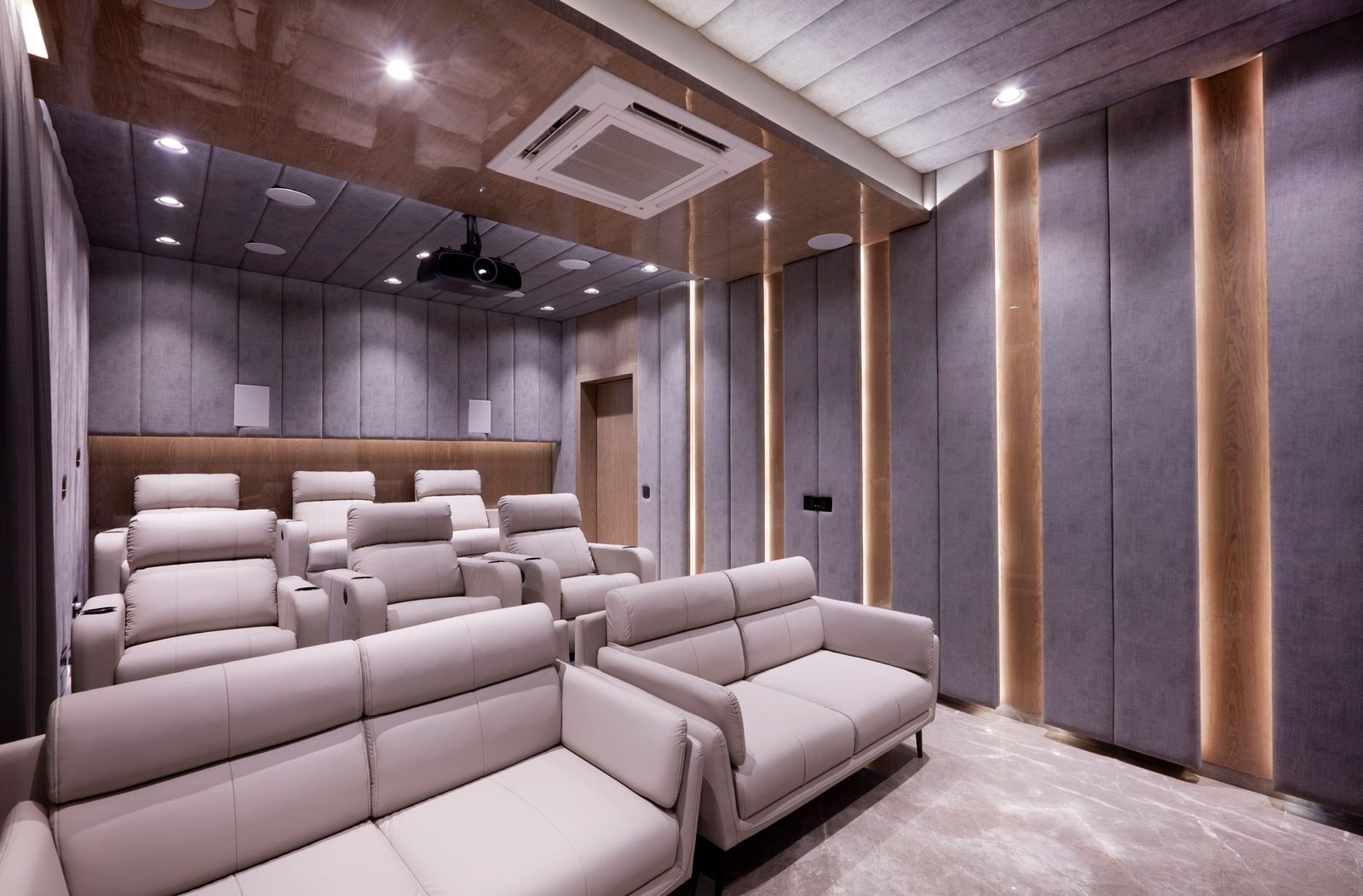
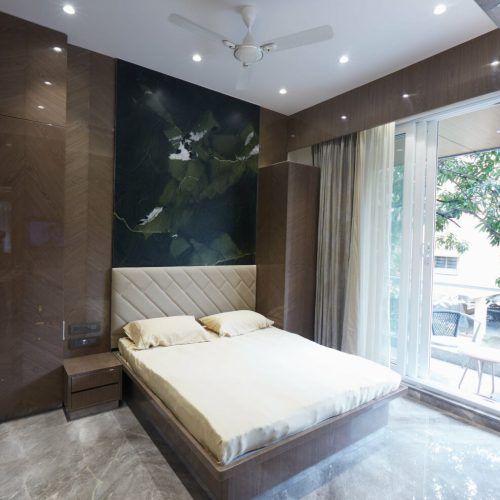
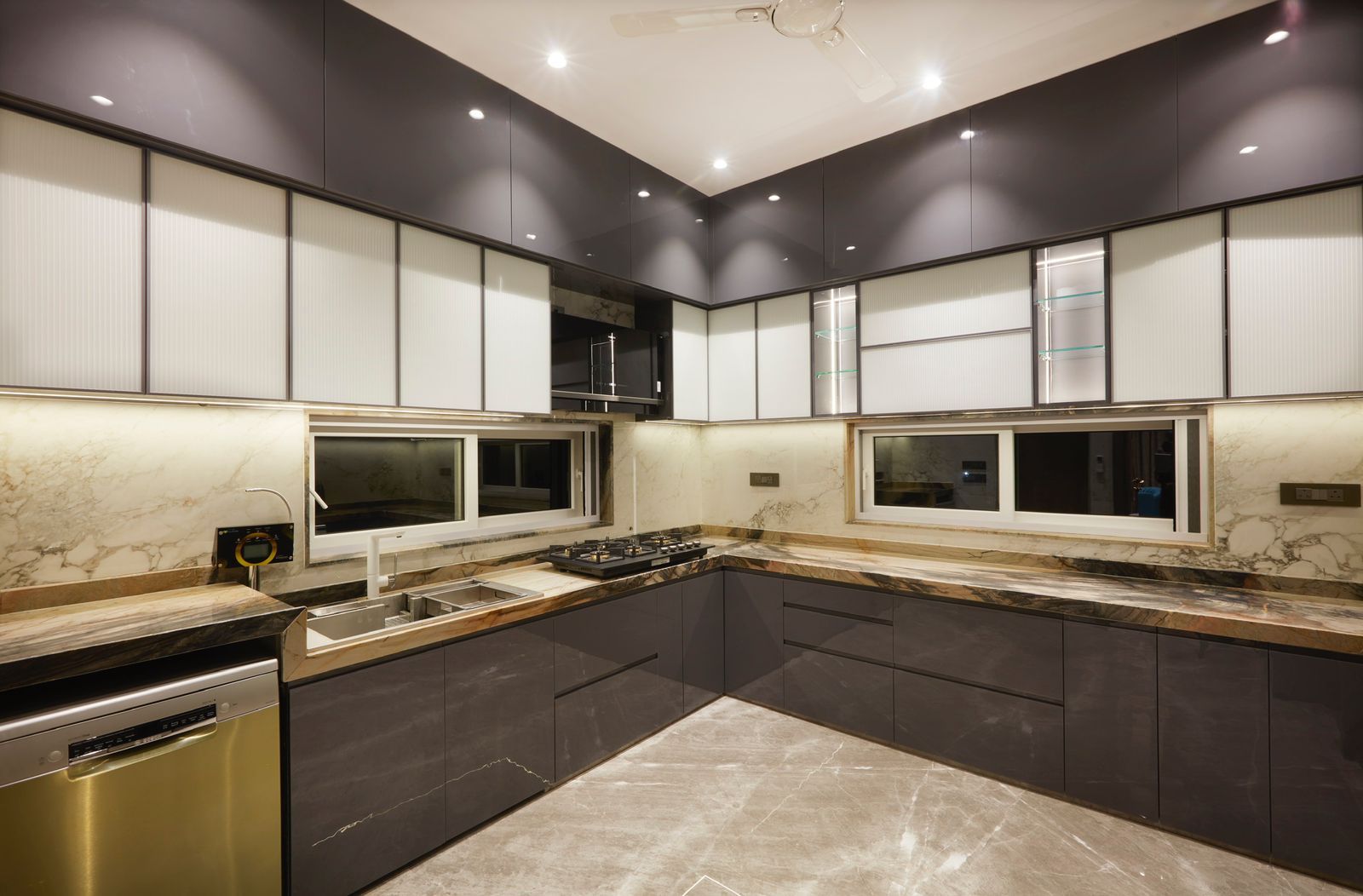
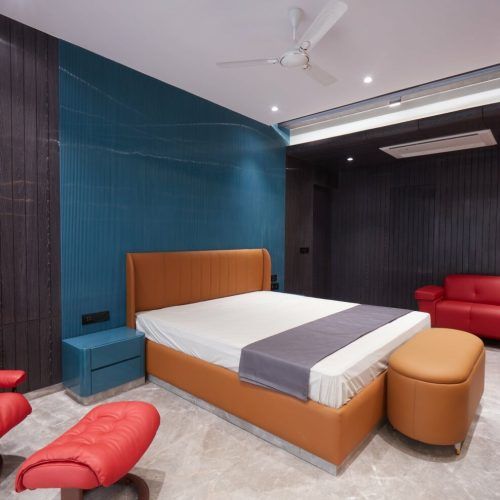
Selected work by Greenbox Design Studio. Tap any image to enlarge.
Frequently asked questions
What is the right desk height for a home office?+
720–750 mm for a fixed desk, with 600 mm of depth for a single monitor and 700 mm for two. Keep 600 mm of clear knee width and 650 mm of knee height under it — a drawer pedestal in that space is the commonest reason a good desk produces a bad posture.
Where should the window be relative to my desk?+
To one side, ideally the left for a right-handed person. A window directly in front puts a bright rectangle behind a dim screen and strains your eyes; a window behind you turns the screen into a mirror and makes you a silhouette on every video call.
How do I stop sounding echoey on video calls?+
Cover about 60% of the floor with a rug, hang full-height lined curtains on the window wall, and put a fabric-panelled board behind the desk. That takes a typical small room from around 0.9 seconds of reverberation to under 0.5, which is the point at which a microphone stops picking up the room.
How many sockets does a home office need?+
A six-socket bank at 1,050 mm above the floor behind the desk, plus two RJ45 data points and a ventilated position for a UPS inside the joinery. Put the study on its own MCB so a trip elsewhere in the home does not interrupt you, and fix a 100 mm cable tray under the desk.
What does a home study cost?+
₹55,000–₹1.1 lakh for a study corner inside an existing room, ₹1.6–₹2.4 lakh for a functional dedicated study, ₹2.6–₹3.6 lakh for a designed home office and ₹3.8–₹5.0 lakh and above with acoustic treatment and a solid-core door, all excluding 18% GST and the chair.
Is a sit-stand desk worth it at home?+
If you work more than four hours a day at it, yes. Specify a frame with a range of 680–1,180 mm, because standing height is roughly your elbow height and many budget frames stop short of it. The frame costs ₹18,000–₹45,000 and the desktop is made to your joinery finish.