
Start from the elbow, not the desk
Ergonomic setup runs in one direction: chair first, then desk, then screen, then light. The reason is that the chair sets your elbow height, and the desk should meet your elbow. Doing it the other way — buying the desk, then adjusting yourself to it — is how people end up with shoulders raised by 25 mm for eight hours a day, which is the mechanism behind most desk-related neck pain.
The standard 750 mm desk height in India is inherited from a Western anthropometric average that assumes a seated elbow height matching a user of about 175 cm. The median Indian adult male is around 166 cm and the median female around 153 cm. For a large proportion of users, a 750 mm fixed desk is between 20 and 60 mm too high, and the body compensates by raising the shoulders or by pushing the chair up and letting the feet dangle.
| User height | Seat height | Desk height | Monitor top edge from floor | Footrest needed? |
|---|---|---|---|---|
| 150–157 cm | 360–390 mm | 650–680 mm | 1,080–1,120 mm | Usually yes |
| 158–165 cm | 385–410 mm | 680–710 mm | 1,120–1,160 mm | Often |
| 166–172 cm | 405–430 mm | 700–730 mm | 1,160–1,200 mm | Sometimes |
| 173–180 cm | 425–450 mm | 730–760 mm | 1,200–1,250 mm | Rarely |
| 181–188 cm | 445–475 mm | 755–790 mm | 1,250–1,300 mm | No |
Desk height is measured to the top of the work surface. A keyboard tray effectively lowers the working height by 30–50 mm.
The four measurements that matter
- Feet flat, thighs horizontal. Adjust the chair until your feet rest flat with knees at roughly 90–100 degrees. If the desk is then too high for your elbows, you need a footrest, not a lower chair.
- Elbows at 90–100 degrees, shoulders relaxed. Rest your hands on the keyboard. If your shoulders lift, the surface is too high. This is the single most common fault we correct.
- Monitor top edge level with your eyes, 500–600 mm away. An arm's length is a good field check. For a 27-inch screen, push it to 650–750 mm.
- Lumbar support meeting the small of your back. Not the mid-back. Most chairs have adjustable lumbar height and almost nobody adjusts it.
- Screen perpendicular to the window. Not facing it (glare on the screen), not backing it (silhouette and eye strain from the bright background behind).
Building it into joinery
A built-in study is the opportunity to fix the desk height to the person rather than to the shop, and it costs nothing extra to do so. When we detail a home study, the writing surface is set from the client's measured seated elbow height, the underside clearance is kept at a minimum of 620 mm for knees with no drawer or apron in the way, and the depth is 600 mm for a single screen or 700 mm for a dual-screen setup.
The trap in built-in desks is the drawer unit. A 150 mm drawer box under a 700 mm desk leaves 550 mm of thigh clearance, which is not enough for most adults to sit square. Put the storage to the side as a pedestal or above as a shelf; keep the space directly under the surface empty for a depth of at least 450 mm from the front edge.
| Element | Specification | Why | 2026 cost |
|---|---|---|---|
| Writing surface | Set to measured elbow height, 25 mm ply + laminate | Fixes the primary fault | ₹2,200–₹3,800 per sq ft |
| Knee clearance | 620 mm minimum vertical, 450 mm deep clear | Allows square sitting | — |
| Desk depth | 600 mm single screen, 700 mm dual | Screen distance | — |
| Cable management | 75 mm grommet plus an under-desk tray | Stops cable drag on the monitor arm | ₹2,400–₹4,500 |
| Task chair | Adjustable seat height, depth, lumbar, arms | The single highest-value item | ₹18,000–₹45,000 |
| Monitor arm | Gas-spring, VESA 100 | Buys back 200 mm of desk and fixes height | ₹3,500–₹9,000 |
| Task lamp | Asymmetric head, 400–600 lm, dimmable | Desk light without screen glare | ₹2,800–₹7,500 |
| Footrest | Angled, 100–150 mm adjustable | Needed by most users under 165 cm | ₹1,600–₹3,200 |
Light: the part everyone gets wrong
Screen work needs less ambient light than paper work, and it needs it from a different direction. Target 300–500 lux on the desk surface — lower than the 500–750 lux you would want for reading documents — and make sure none of it reaches the screen face at an angle that reflects into your eyes. The classic Indian home-office setup places the desk against a wall with a ceiling light directly overhead and slightly behind, which puts a reflection of the fitting in the middle of the monitor.
An asymmetric task lamp solves this: it throws light forward onto the desk and keeps it off the screen. Position it on the side opposite your writing hand so it does not cast a shadow across paper. And if there is a window, place the desk so the window is to one side. A window behind the screen makes you work against a bright background all day; a window behind you puts its reflection on the glass.
The chair is not the place to save
A ₹6,000 chair from a marketplace has a fixed backrest angle, no seat-depth adjustment, no real lumbar adjustment, and foam that compresses to a board within eighteen months. A ₹22,000 chair has all four adjustments and holds its foam for six to eight years. Over that life the expensive chair costs less per year, and it is the piece of equipment your spine is in contact with for two thousand hours annually. If the budget forces a choice between a built-in desk and a good chair, buy the chair and put a board on two filing cabinets at the right height.
One correction that costs nothing: change position every half hour. No posture is correct for eight hours, including the textbook one. The best-configured workstation in the world still asks the same muscles to hold the same shape, and the body objects. Standing for one call in three, walking to take a phone call, and pushing the chair back to read on paper are worth more than any single adjustment on this page. If the budget allows a sit-stand desk — ₹28,000–₹65,000 for a reliable electric column in India in 2026 — the value is not in standing all day, which nobody does, but in making the change of position effortless enough that it actually happens.
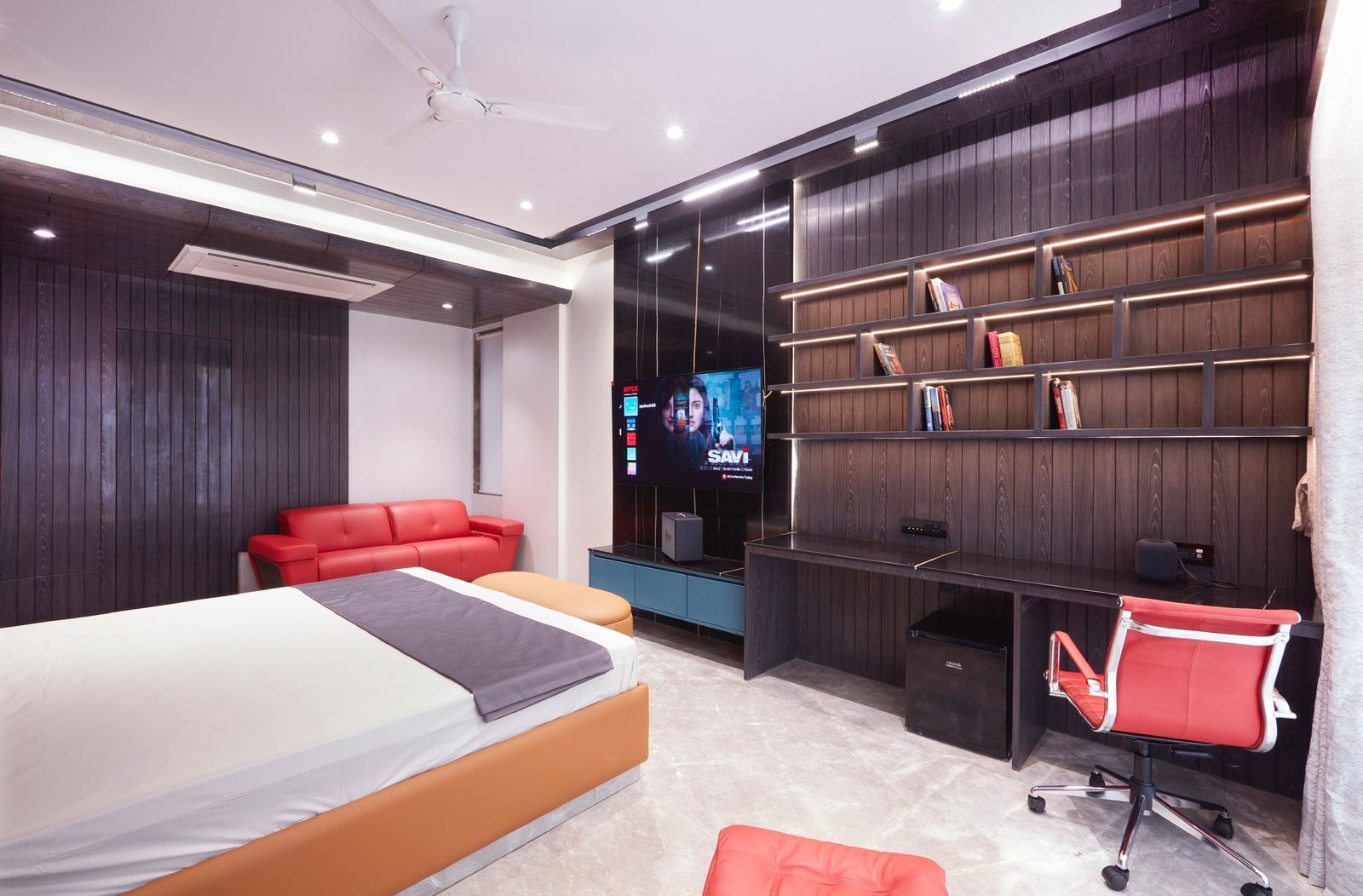
A built-in study sized to the person who uses it
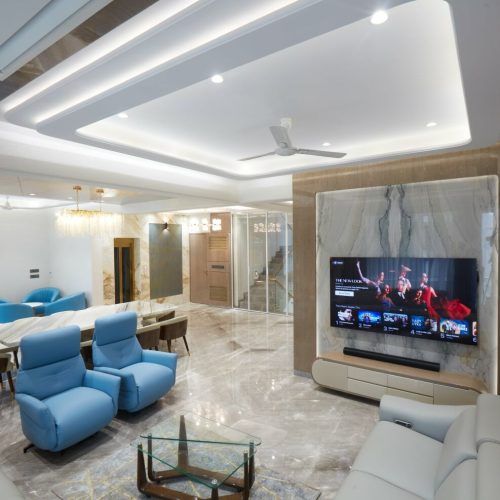
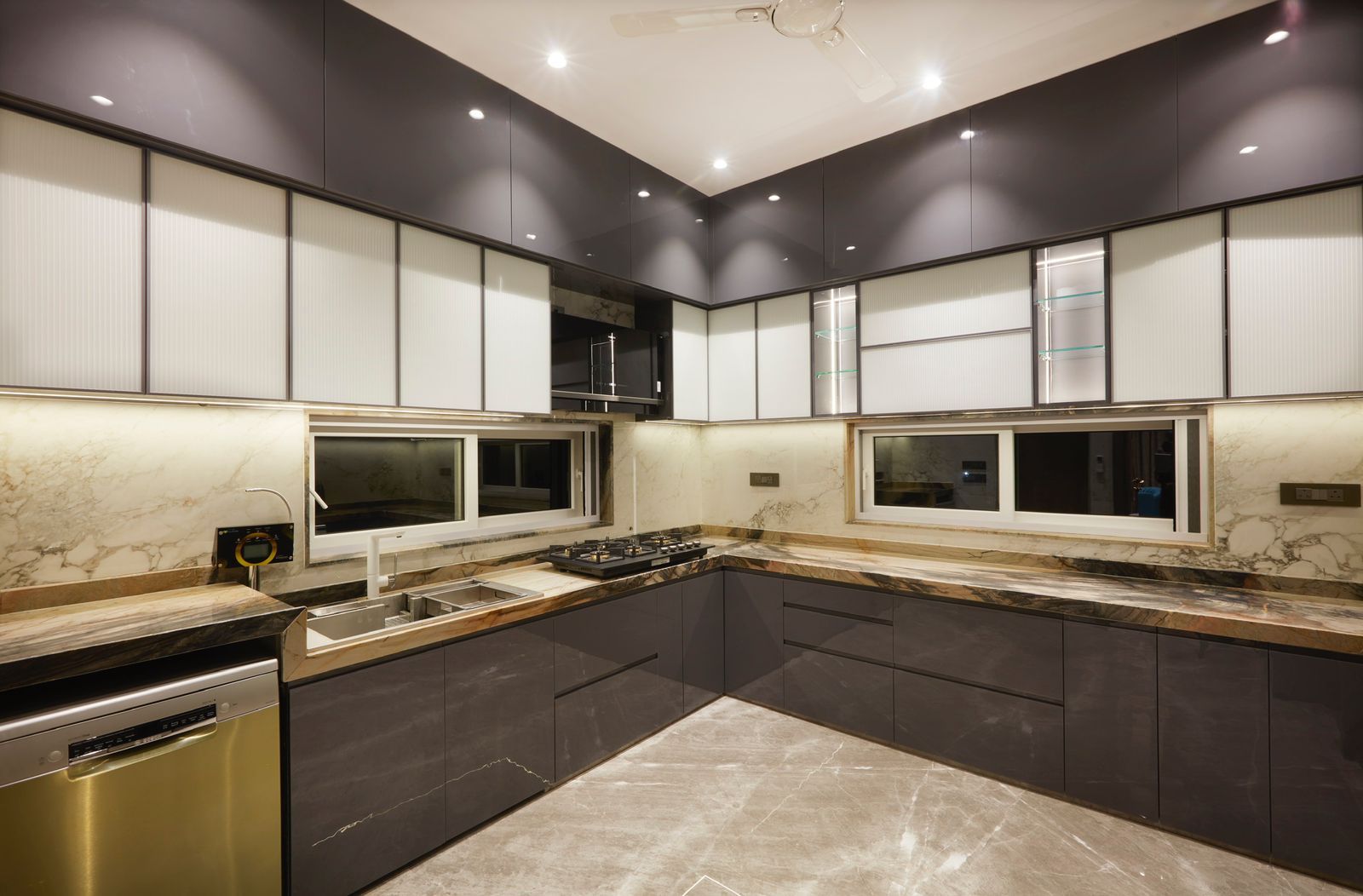
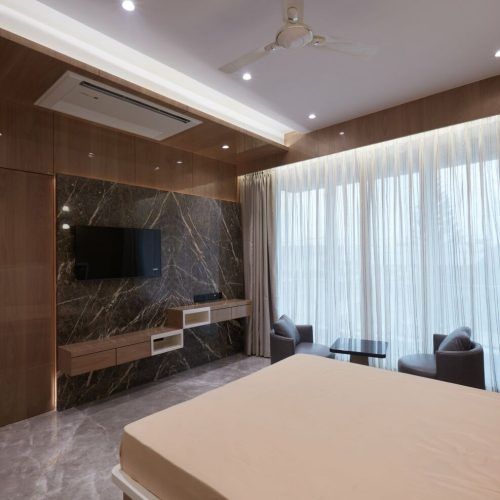
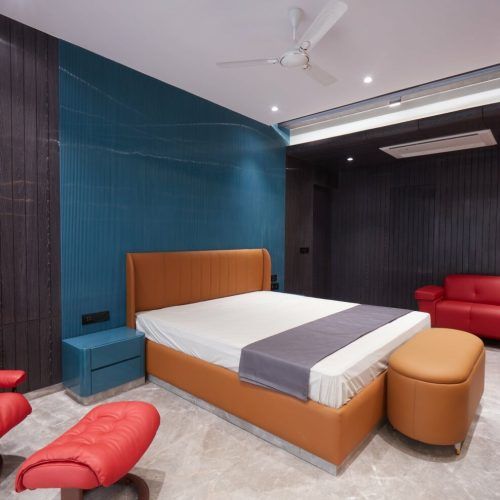
Selected work by Greenbox Design Studio. Tap any image to enlarge.
Frequently asked questions
What is the correct desk height in India?+
It depends on your height, not on a standard. For a user of 158–165 cm the correct surface is 680–710 mm, against the 750 mm most desks are built to. If you cannot change the desk, raise the chair until your elbows are level with the surface and add a footrest so your feet are supported.
How far should a monitor be from my eyes?+
Five hundred to six hundred millimetres for a 22–24 inch screen — roughly an arm's length — with the top edge of the display level with your eyes so your gaze falls slightly downward. A 27-inch screen wants 650–750 mm. A monitor arm is the easiest way to hit both numbers exactly.
Do I need an expensive ergonomic chair?+
You need four adjustments: seat height, seat depth, lumbar height and armrest height. In the Indian market that combination starts around ₹18,000 and is reliable by ₹25,000–₹30,000. Below ₹10,000 you are buying a fixed shape and hoping it matches you, which for most people it does not.
Can a dining table work as a desk?+
Short-term, with two corrections. Dining tables are 740–760 mm, which is high for most people, so raise the chair and add a footrest. Add a laptop riser and a separate keyboard so the screen comes to eye level. It is workable for a few months and it is not a setup for years of full-time work.
Where should the desk sit relative to a window?+
Perpendicular to it — window to your left or right. Facing the window puts a bright field directly behind the screen and forces your pupils to fight the contrast. Backing onto the window puts its reflection on the glass. Side-on gives you daylight on the desk with neither problem.
How much space does a home office need?+
A workable single-person study fits in 35–45 sq ft: a 1,200 x 600 mm desk, a chair with 900 mm of pull-back space behind it, and a storage unit. Below about 30 sq ft, the chair cannot be pushed back without hitting something, and the space stops being usable for full days.